
Planning with Mira
couldn't be easier
Planning your work shouldn’t be complicated. With Mira, you’re just three simple steps away from a realistic, dynamic schedule.
Tell Mira how long you spend on the tasks in your task list
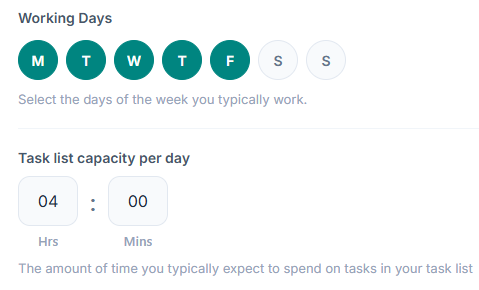
Estimate how long each task will take
Re-order your tasks
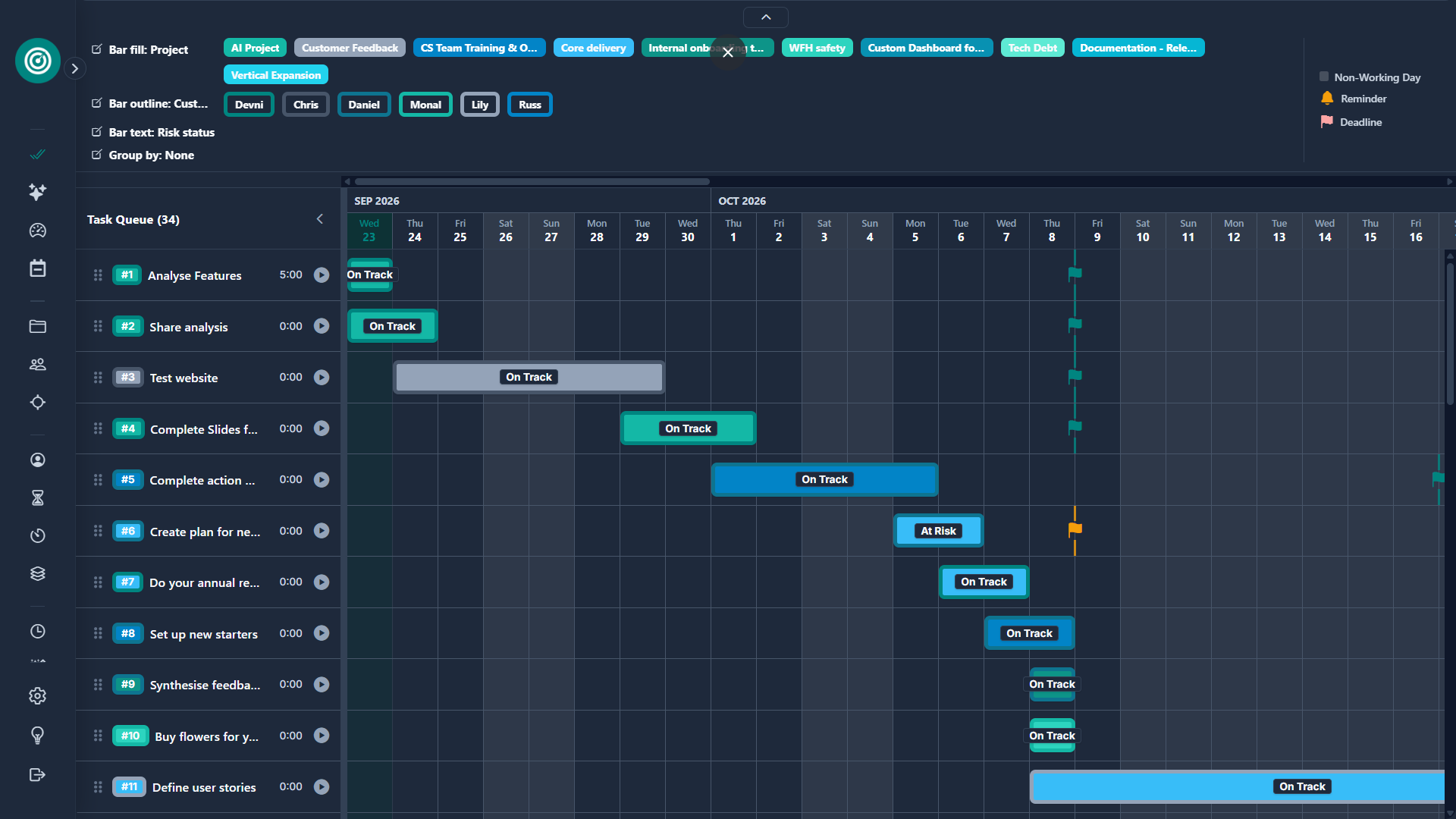
A dynamic, real-world schedule
You now have a dynamic schedule that changes as your task list or circumstances change, allowing you to plan in advance and communicate your plans with confidence.
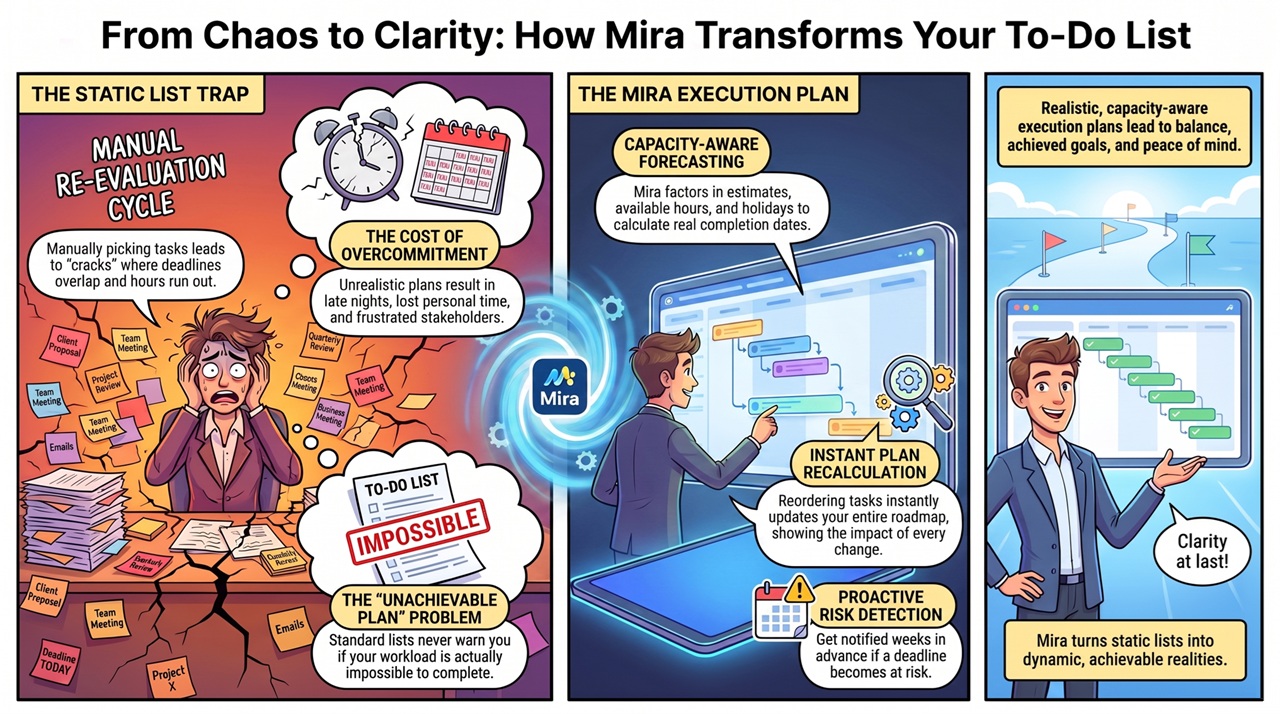
How Mira Transforms Your Task Management
Compare traditional static task lists against Mira's realistic, capacity-aware execution plans at a glance.
Ready to start building your dynamic plan?
Start building your realistic, dynamic plan in under 2 minutes!
and there's so much more...
Mira's packed with powerful extra features to help you plan effectively and stay in control of your workload.
Core Planning Features
Dynamic Forecasting
Forecasted completion dates that automatically adapt as priorities, workload, and availability change.
Risk Alerts
Instantly identify and filter tasks at risk of missing their deadlines.
Availability Alerts
Get in app notifications of upcoming time off to help you plan, communicate, and coordinate.
AI Work Summaries
Chat with your personal Aide to instantly review completed work, generate summaries, and prepare updates.
Annual review Safety Net
Aide’s Safety Net helps you align your work to your annual objectives, even if you haven’t been tracking them against each task.
Real-Time Notes
Capture and update notes with real-time sync back to your tasks.
Workflow Features
Time Tracking
Track time against tasks with the built-in stop clock to better understand where your time goes.
Categories
Manage your project, customer and objective lists and assign to your tasks.
Multiple Views
Switch between list, card or table views to plan and manage work your way.
Customisable Forms
Tailor task forms and layouts to match the way you like to work.
Advanced Filtering
Quickly focus on the tasks, priorities, or deadlines that matter most.
Bulk Editing
Update multiple tasks at once to keep your workflow moving quickly.
Platform
Sync Across Devices
Access your work seamlessly across desktop and mobile so your plan is always up to date.
Interactive Mira Playground
Explore a fully populated Pro demo account instantly without affecting your own data.